Browse your library.
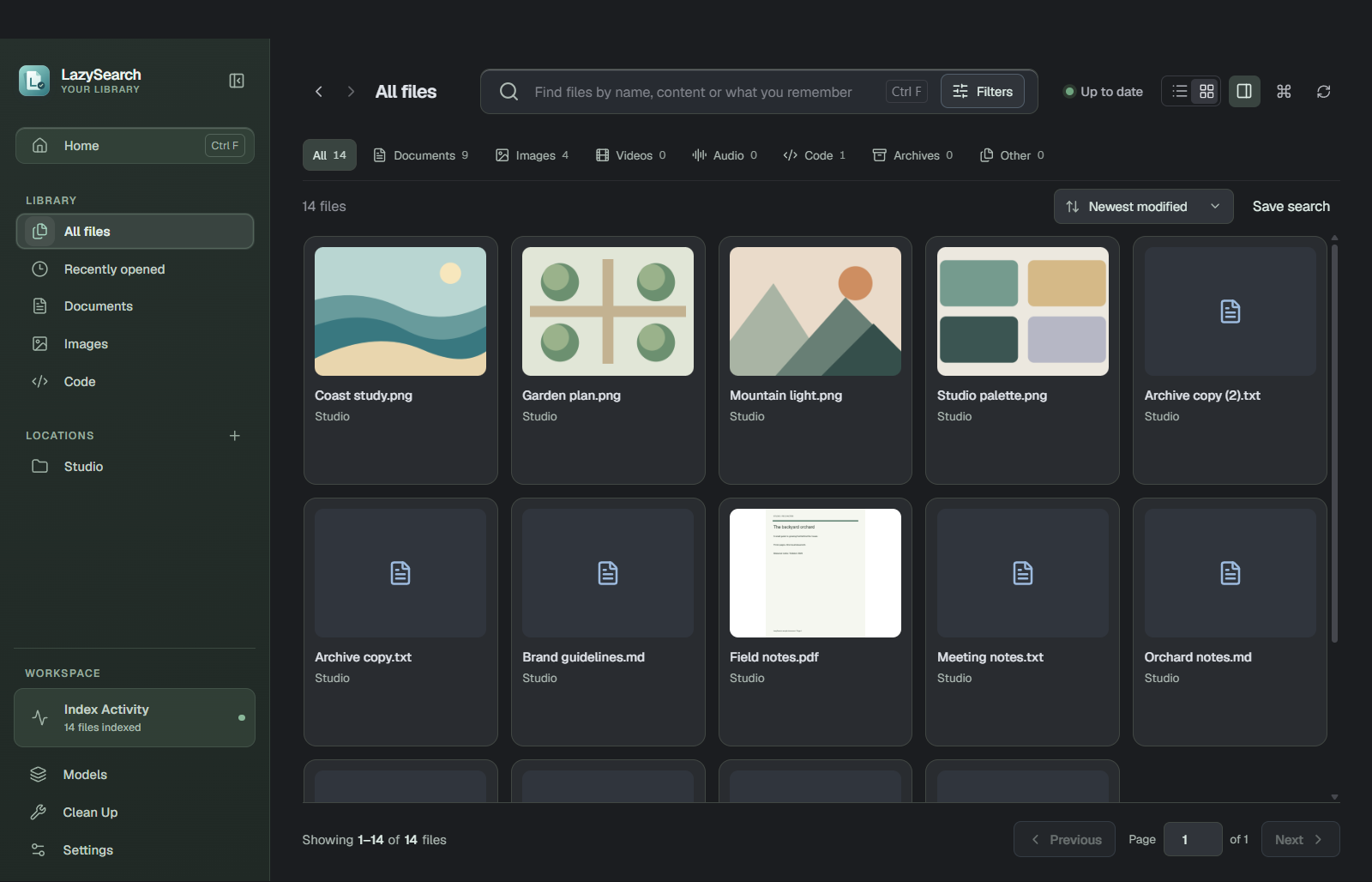
A familiar place for your files.
Move between documents, images and code in a visual grid. Only folders you add are included in search.
 LazySearch
Search the words you remember. Preview the right result. Get back to what you were doing.
Final checks, team handoff
and the launch-day plan.
Browse a little. Remember a word.
See where it takes you.
A familiar place for your files.
Move between documents, images and code. Only folders you add are included in search.
See the app viewA few words can be enough.
Try a name, words from a document or a related idea. Match labels help explain what appeared.
See the app viewKeep the context close.
Read supported text, look at images and browse PDF pages. Open the file when you are ready.
See the app viewYou make the final call.
Compare identical files, choose a copy to keep and review your selection before recycling.
See the app viewA familiar place for your files.
Move between documents, images and code in a visual grid. Only folders you add are included in search.
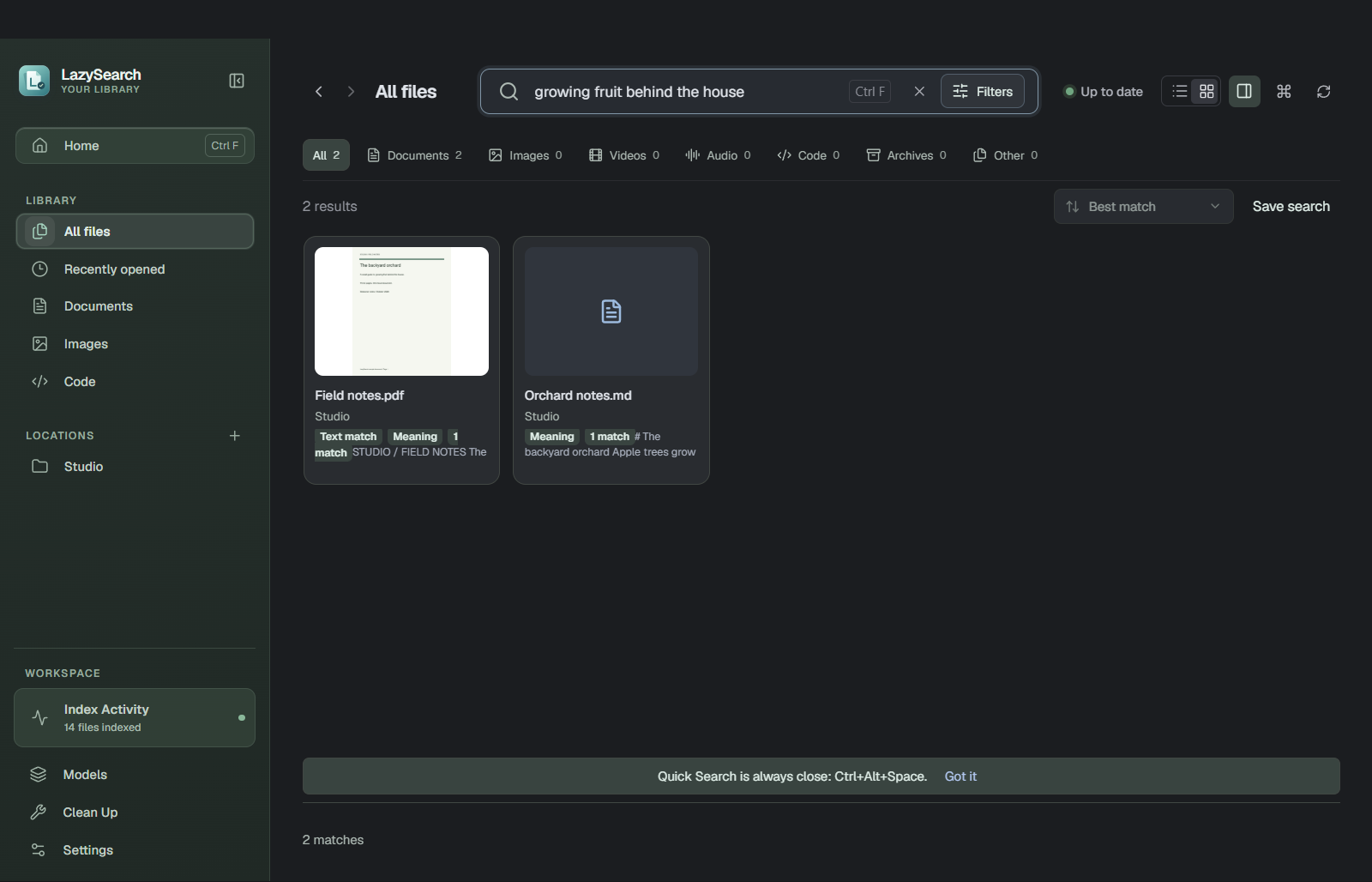
A few words can be enough.
Start with a name, a phrase from a document, or a related idea. Returned match labels help explain why a file appeared.
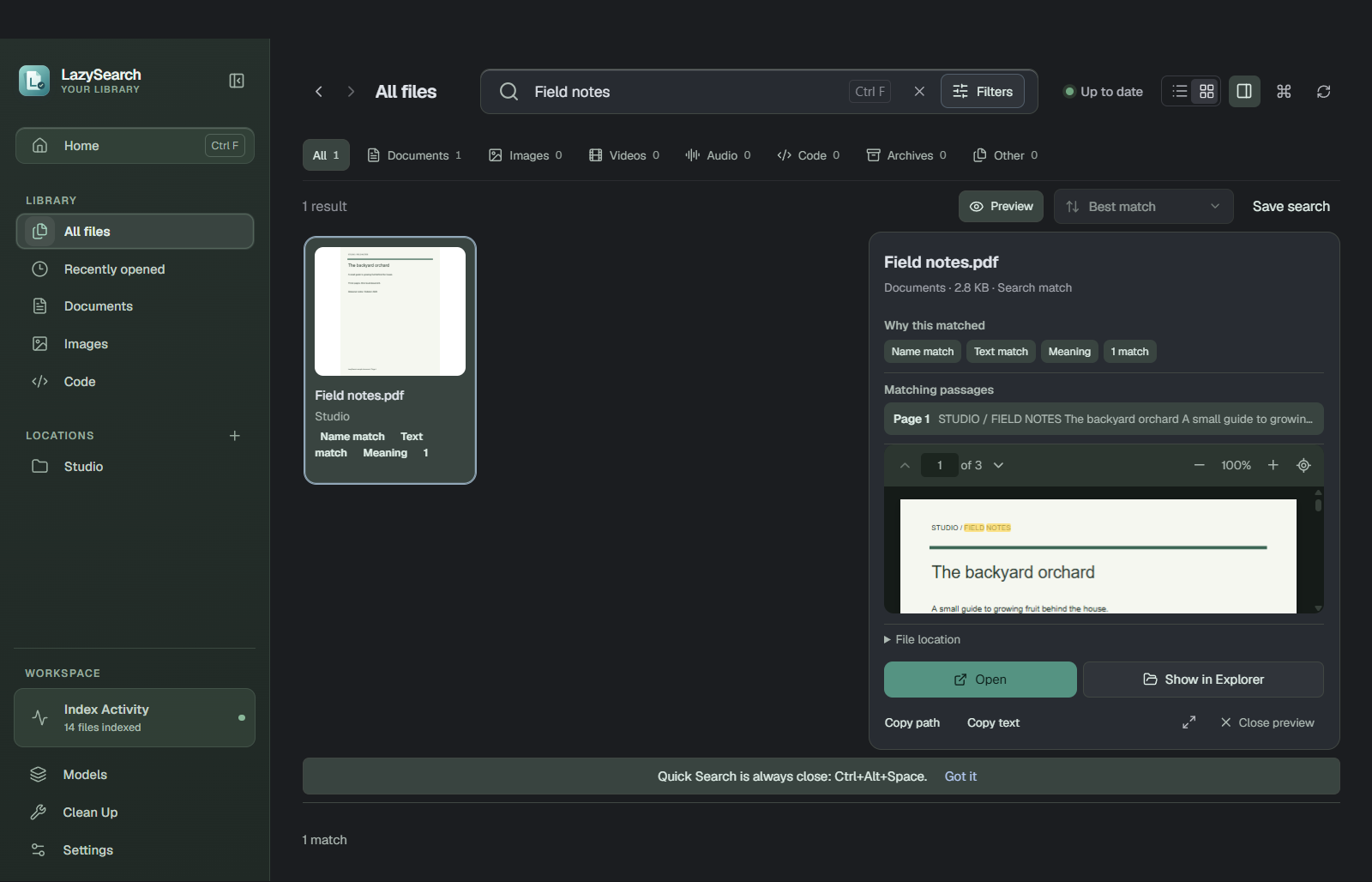
Keep the context close.
Read supported text, look at images and browse PDF pages beside your results. Open the file when you are ready.
You make the final call.
Compare files with identical contents, choose a copy to keep, then review your selection before moving anything to the Recycle Bin.
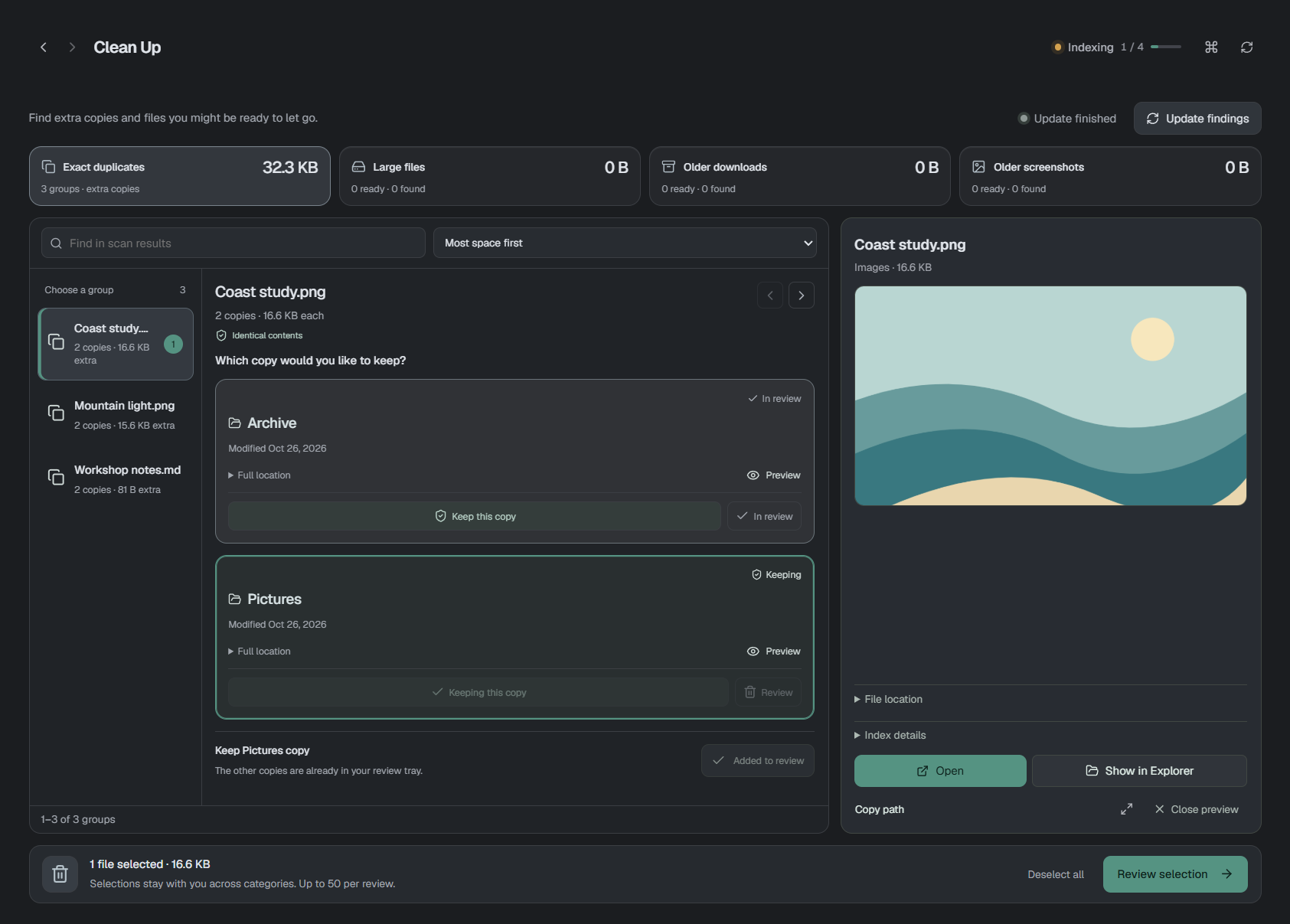
A closer look at browsing, searching and previewing.
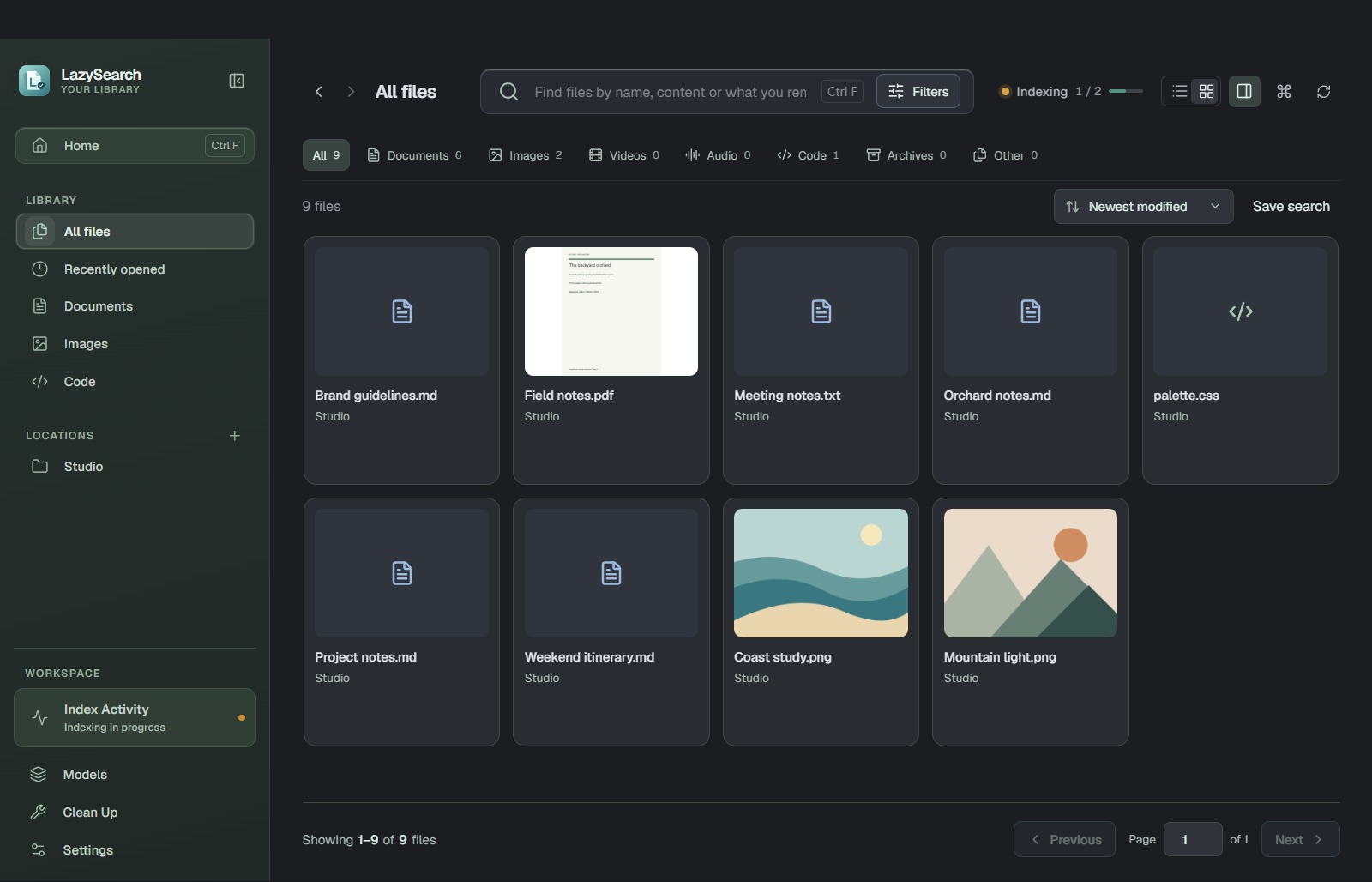
A name, a phrase, a half-remembered idea. Find the file and see why it matches.
Meaning search, included and on-device.
Apple trees, autumn harvests and a backyard orchard.
Found by meaningScroll PDFs, zoom in and see matching words without leaving your library.
More room to read. Fewer windows to juggle.
Bring up Quick Search from any app. Find your file, press Enter, and get back to work.
Enter opens. Ctrl+Enter reveals in Explorer.
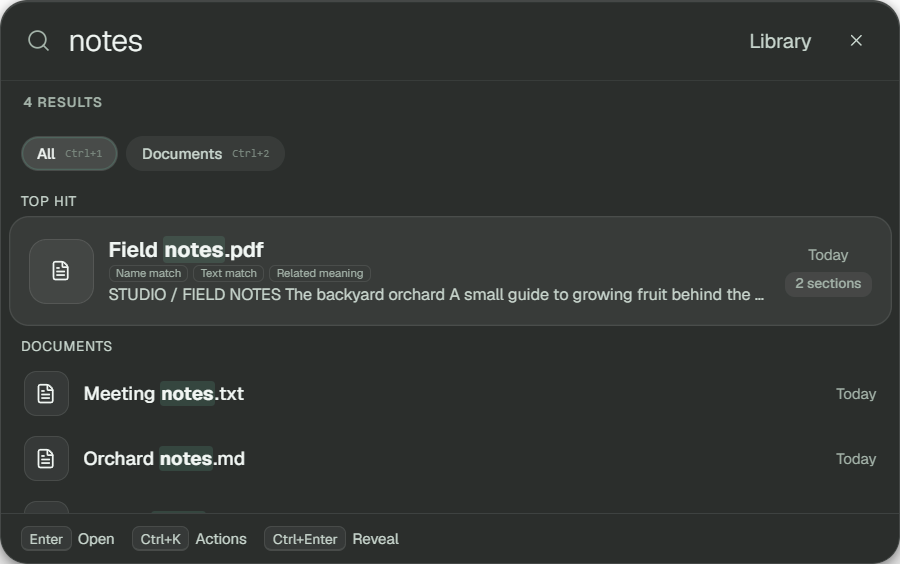
Compare copies side by side. Preview a file, add it to your tray, and give it one last look before recycling.
Exact duplicates. Large files. Older downloads. Screenshots.
Nothing selected for you.
Choose what to index. Search it on your PC.
No account. No uploads.
A local index.
Built from your folders.
File names across your indexed folders; text in supported documents and code; English text in supported images, including screenshots; and related ideas using the included English model. Images and media also appear by name and metadata. Scanned-PDF OCR and visual similarity are not included.
No account is needed. This Windows beta is free. Its text model is included, with no separate service to install.
The installer includes the desktop app, native search engine, text model and English OCR assets so the app can work locally. The text model alone is approximately 127 MB. Setup reports the space required on your device.
Indexing leaves your originals in place. Cleanup requires your review and confirmation, then moves selected files to the Windows Recycle Bin. Removing a folder from the library removes its derived index data and access, not its original files.
Your indexed text, embeddings, thumbnails, saved searches and recent opens are stored locally. The app does not upload file contents or search queries. Cloud placeholders that require downloading are skipped. This preview page uses no analytics.
The initial beta targets Windows 11 x64. There are no Mac, Linux or mobile builds in this release. English search interpretation, OCR and meaning search are the initial language scope; Unicode filenames are supported.
Browse, search and preview in one local workspace.